
Free practice tools
Practice between lessons, the fun way.
Games and trainers I built for my own students — note reading, intervals, keys, rhythm and ABRSM theory. Play right in your browser with a tap, your keyboard, or a microphone.
Featured game
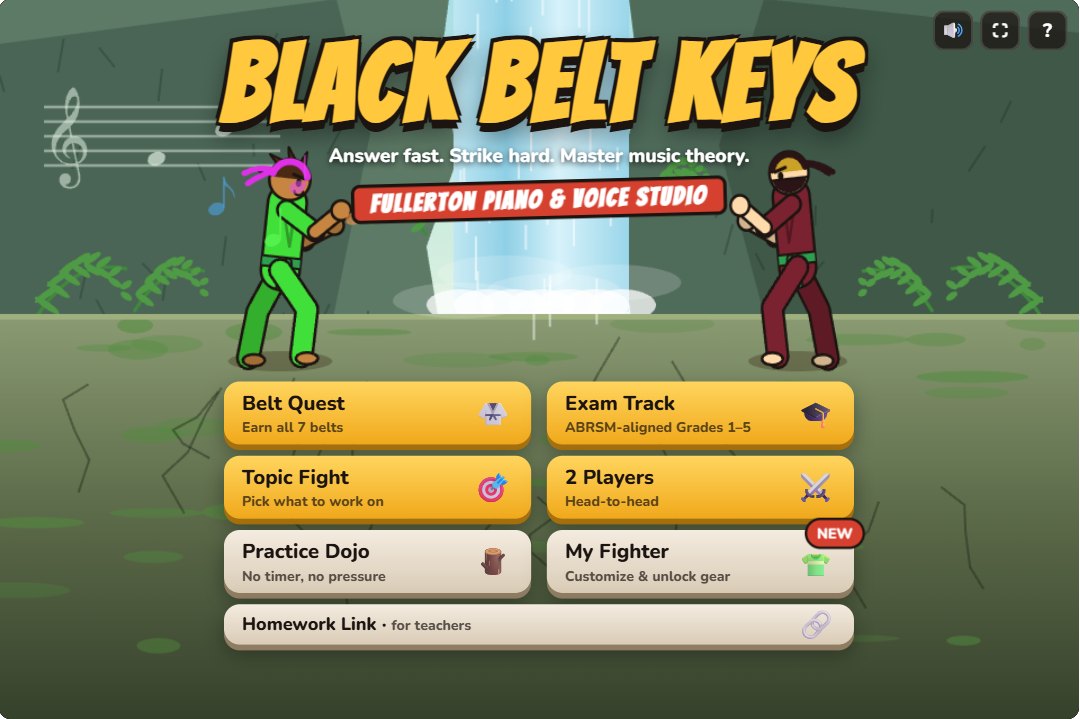
Black Belt Keys
Answer fast, strike hard! A martial-arts theory game where you earn all seven belts, train on the ABRSM-aligned Exam Track for Grades 1–5, or go head-to-head with a friend.
Belt Quest · Exam Track · Topic Fight · 2 Players
Note reading
Learn the keyboard and read notes on the staff quickly and confidently.
Note reading
Key Finder
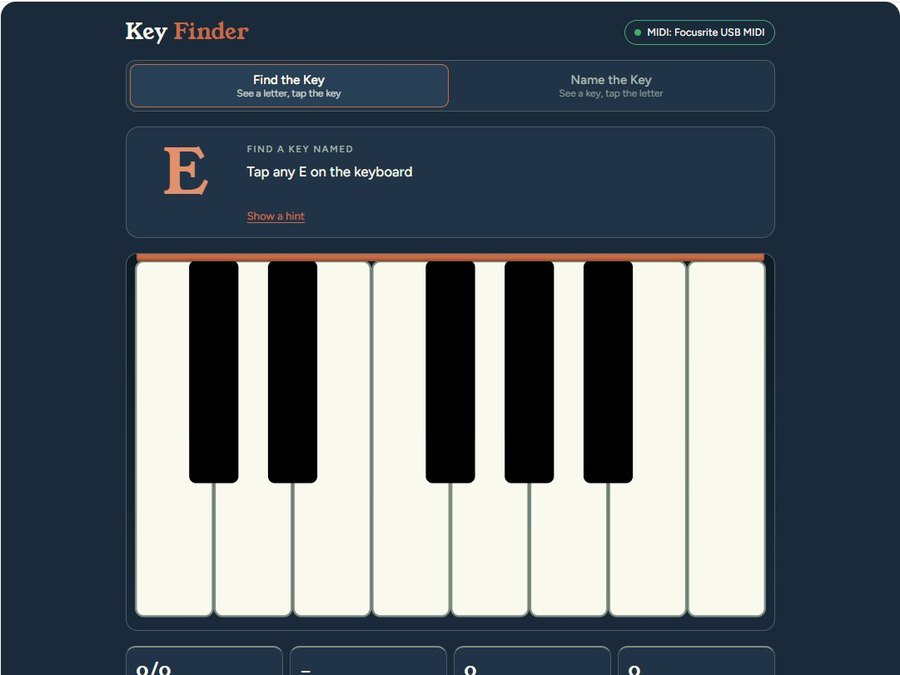
See a letter, find the key — or see a key and name it. The perfect first step for brand-new players.
Tap · MIDI keyboard
Note reading
Note Trainer
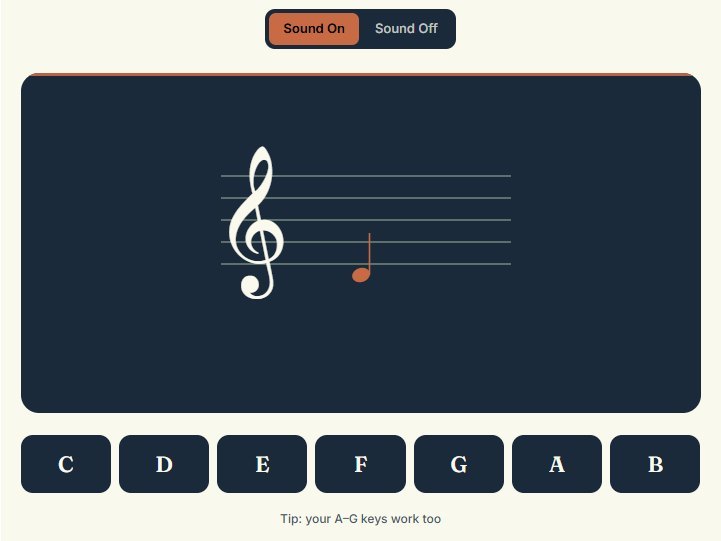
A note appears on the staff — name it before the sound fades. Treble, bass or both, from Easy to Hard.
Tap · Computer keys A–G
Note reading
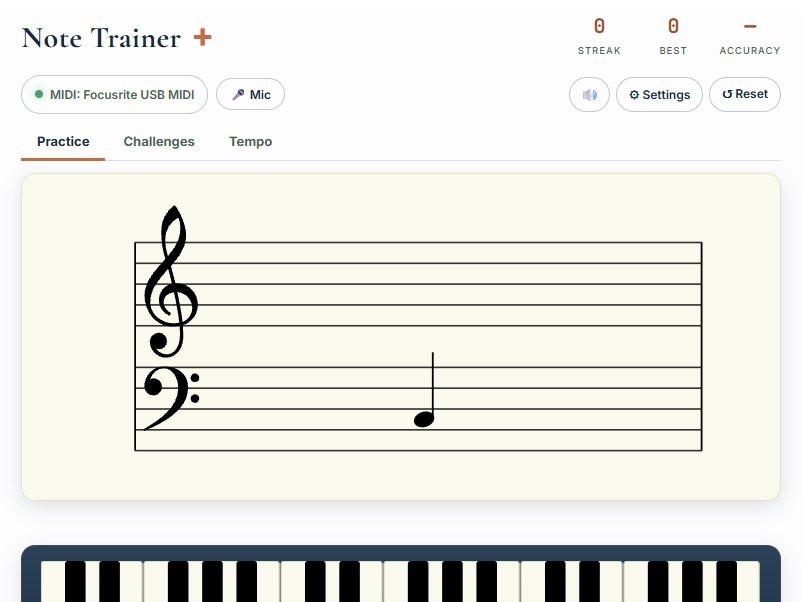
Note Trainer +
Read the note, play the key. Grand-staff practice with challenges and a tempo mode.
Tap · MIDI keyboard · Microphone
Theory & ear
Intervals, keys and exam-ready theory — with sound, so you hear what you learn.
Theory & ear
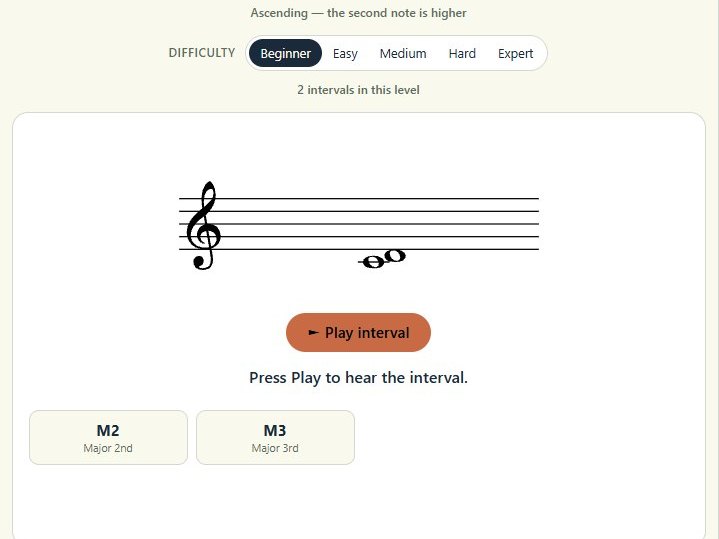
Interval Trainer
Hear and see two notes, then name the interval. Treble or bass, harmonic or melodic, Beginner to Expert.
Tap · Sound
Theory & ear
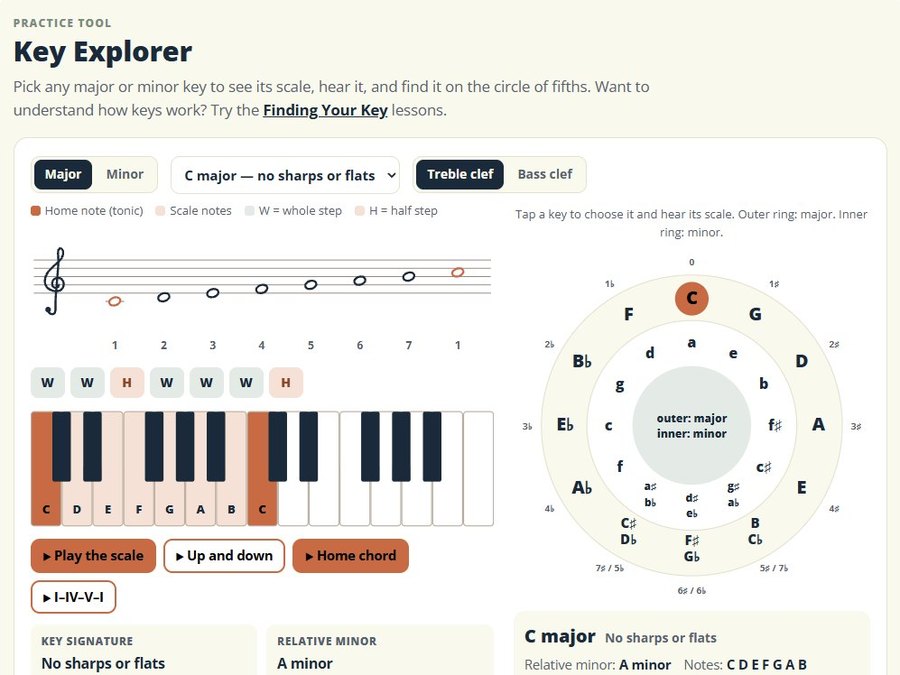
Key Explorer
Pick any major or minor key to see its scale, hear it, and find it on the circle of fifths.
Tap · Sound
Theory & ear
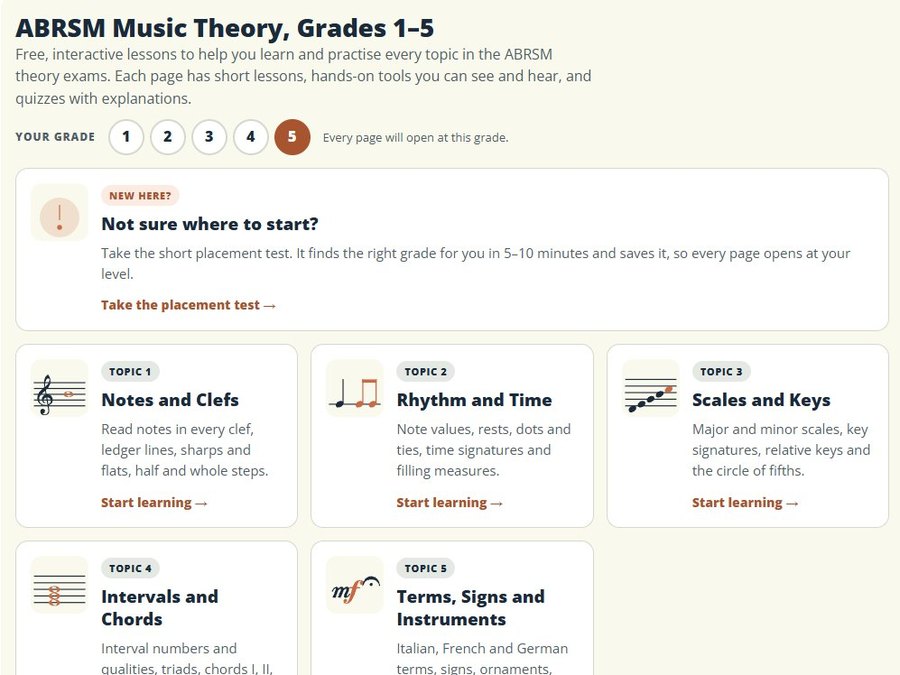
ABRSM Music Theory
Lessons, tools and quizzes for every topic in Grades 1–5, plus a placement test.
Grades 1–5
Games & rhythm
Quick challenges that build reading speed and a steady beat.
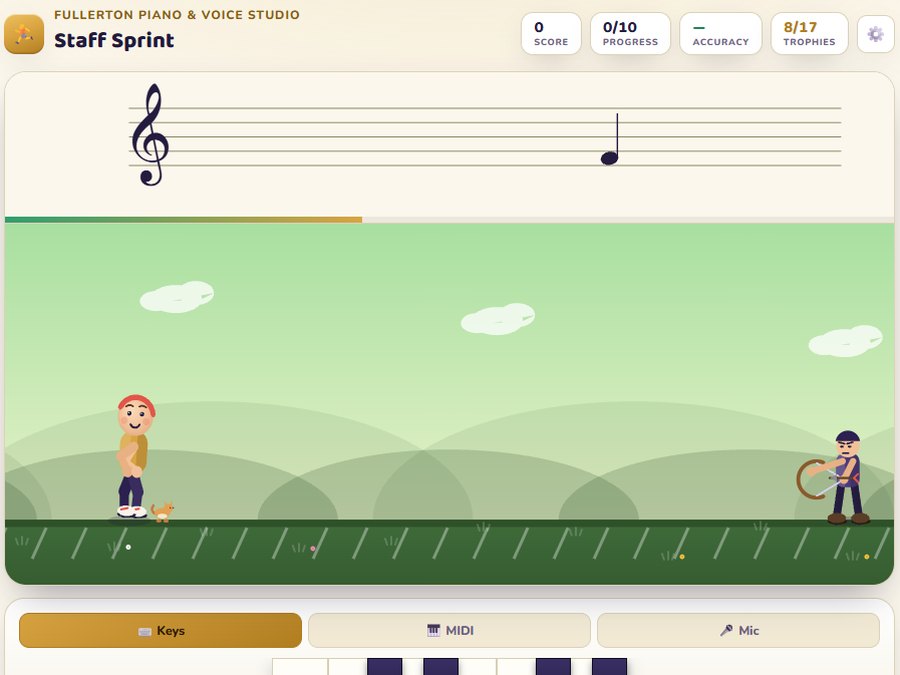
Game
Staff Sprint
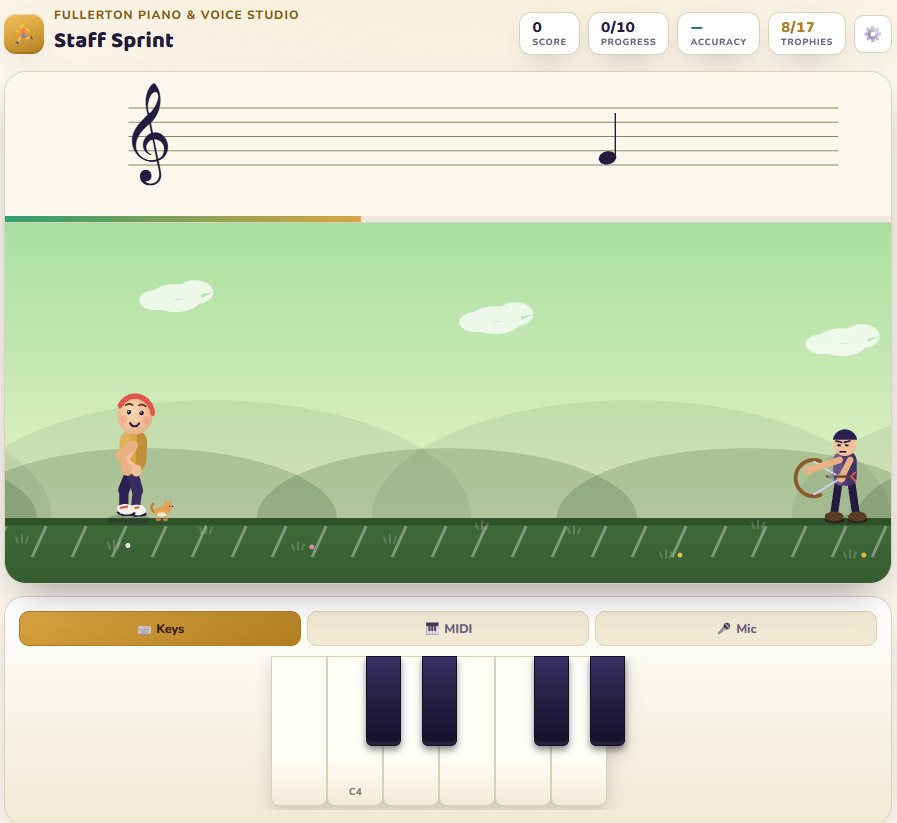
Name each note to keep your runner moving. Pick a character, earn trophies, and level up from 5-finger position to the full staff.
Tap · MIDI keyboard · Microphone
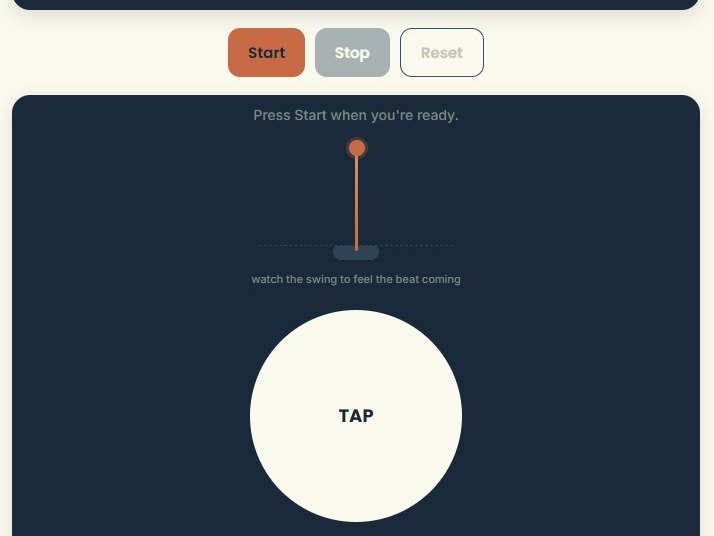
Rhythm
Rhythm Trainer
Clap or say “ta” with the metronome. The app listens and shows how steady you are on every beat.
Microphone · Tap / Space bar
Not sure where to start?
Here’s the order I use with my own students.
1
Brand-new beginners
Start with Key Finder, then try Staff Sprint on the easiest level and the Rhythm Trainer.
2
Reading, but slowly
Build speed with Note Trainer and Note Trainer +, then add the Interval Trainer on Beginner.
3
Studying theory or exams
Take the placement test in ABRSM Music Theory, explore keys in Key Explorer, and test yourself on the Black Belt Keys Exam Track.
Apps build the habit. Lessons build the musician.
These tools are free to use. If you’d like a teacher in your corner, I offer online one-on-one piano and voice lessons for all ages.